Design audit & prep
We review your Figma file for consistency, missing states, and responsive gaps. Then fix what needs fixing before a single div is built.
 Webflow Partner
  5.0
5.0
Pixel-perfect conversion from Figma to a production-ready, CMS-powered Webflow site.
Trusted by teams at












When design and development are disconnected, projects slow down and quality suffers. Poor handoff leads to broken layouts, inconsistent visuals across devices, and endless time wasted fixing responsiveness and SEO issues after launch.
The right approach is a smooth design-to-dev pipeline where builds stay true to the original vision. Clean structure, reusable classes, and SEO-ready foundations mean your site launches faster, looks consistent on every screen, and performs out of the box.
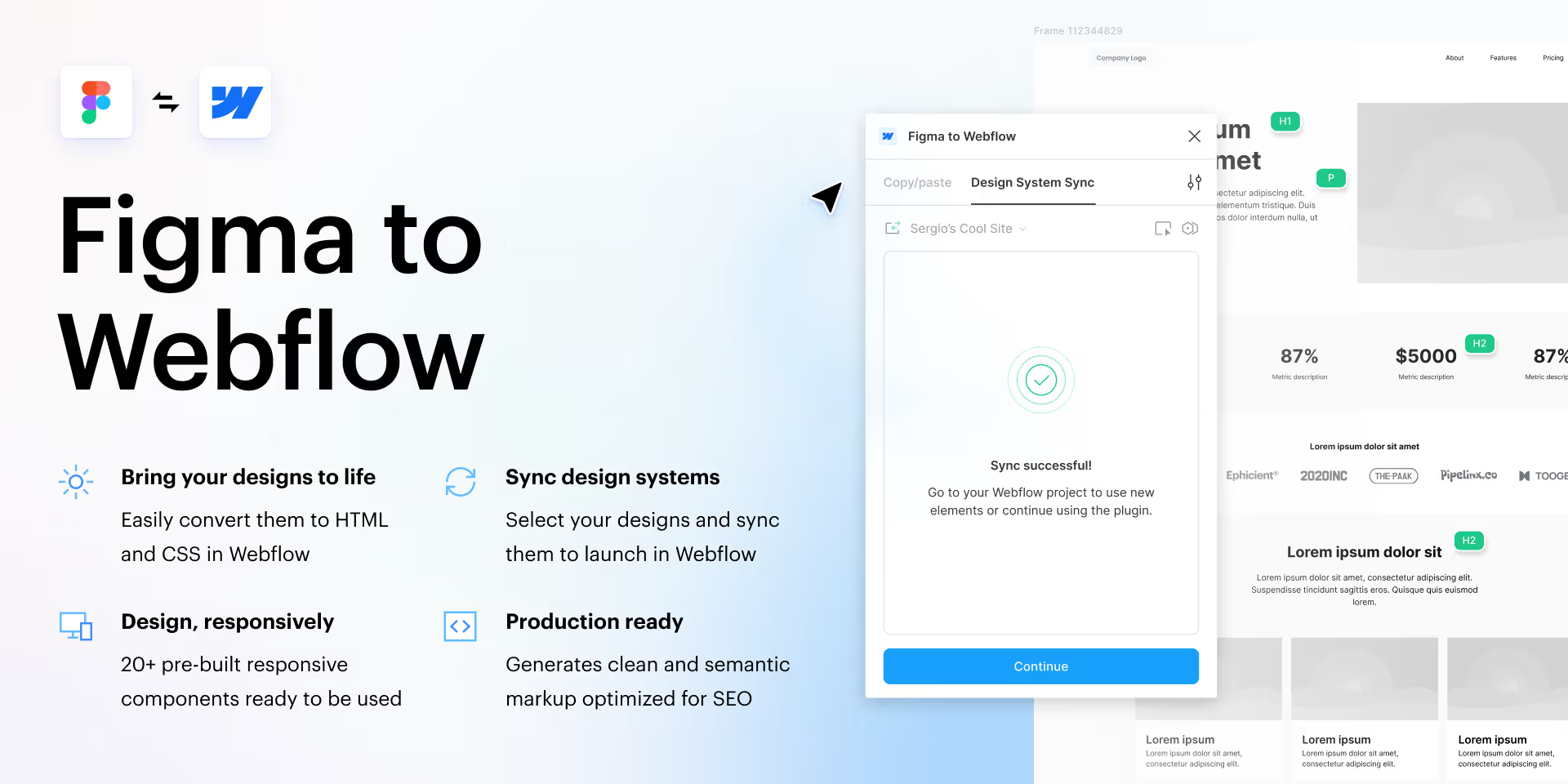
We review your Figma file for consistency, missing states, and responsive gaps. Then fix what needs fixing before a single div is built.
Desktop, tablet, and mobile breakpoints built faithfully from your designs. No guesswork on how it should scale.
Dynamic content structured in Webflow CMS so your team can publish blog posts, case studies, or product pages without touching the build.
Scroll effects, hover states, and page transitions brought to life with Webflow native interactions. Exactly as your designer intended.
A focused call to learn your goals, audience, and scope.
We turn the call into a clear scope, milestones, and a timeline to bring your dream to life.
We deliver, then stay close. Refining what needs it, fixing what comes up.
 Joliza Concepcion Marketing Director, Arthrex
 Working with Carril Agency has been a seamless experience from start to finish. The team is incredibly easy to work with. That ease of collaboration is what makes them such a valuable partner.
Partnering with Carril Agency to bring Apostles Archive to life has been a remarkable journey. From the initial branding to the website launch and the integration of streaming services, their expertise has been invaluable.
Carril Agency are geniuses at what they do. They take complex challenges and turn them into simple, effective solutions that actually work. From strategy to execution, everything feels well thought out and handled with ease.
The website now actually represents the cafe. The photography, the tone, the small details. Carril handled the whole thing end-to-end and the cafe's online bookings have been climbing steadily since.
The setup and hosting services provided seamless integration and ensured that my website was up and running in no time. Carril has truly elevated our online presence and has been a game-changer for my business.
Carril Agency truly is the best. They make our lives so much easier by handling everything. Having them as a partner gives us peace of mind because we know our digital presence is in good hands.
The best website in our group of company. Our SEO ranking has skyrocketed since the implementation of the new website, driving significantly more traffic to our platform.
I once hired someone on Upwork to build our site, but the difference between that and Carril Agency was night and day. Their level of professionalism is far above what I've experienced elsewhere.
Working with Carril Agency has been a seamless experience from start to finish. The team is incredibly easy to work with. That ease of collaboration is what makes them such a valuable partner.
Carril helped us scale fast and rank first. I recommend them to any business that is serious about growth.
Finding Carril Agency was honestly a turning point for me. I was exhausted from years of false promises, wasted money, and marketing teams that never truly delivered. After my website was hacked and I audited the previous agency, I realized I had lost a year and five figures to "work" that didn't move the needle. Then I met Ezekiel. From the very first call, his expertise and clarity stood out. They moved fast, did real research, and built an amazing website in just three weeks. Once the new site was live, I felt immediate relief. Like I could breathe again. Because we finally had a real foundation to convert clients and grow. I'm truly grateful for Carril and highly recommend them to anyone who's tired of being sold and ready to be supported.
Carril Agency delivered exactly what we needed, a brand identity and website that reflect our mission and values. Their team’s dedication, creativity, and attention to detail made the process seamless. We’ve seen a significant increase in inquiries and traffic since the launch. Highly recommended!
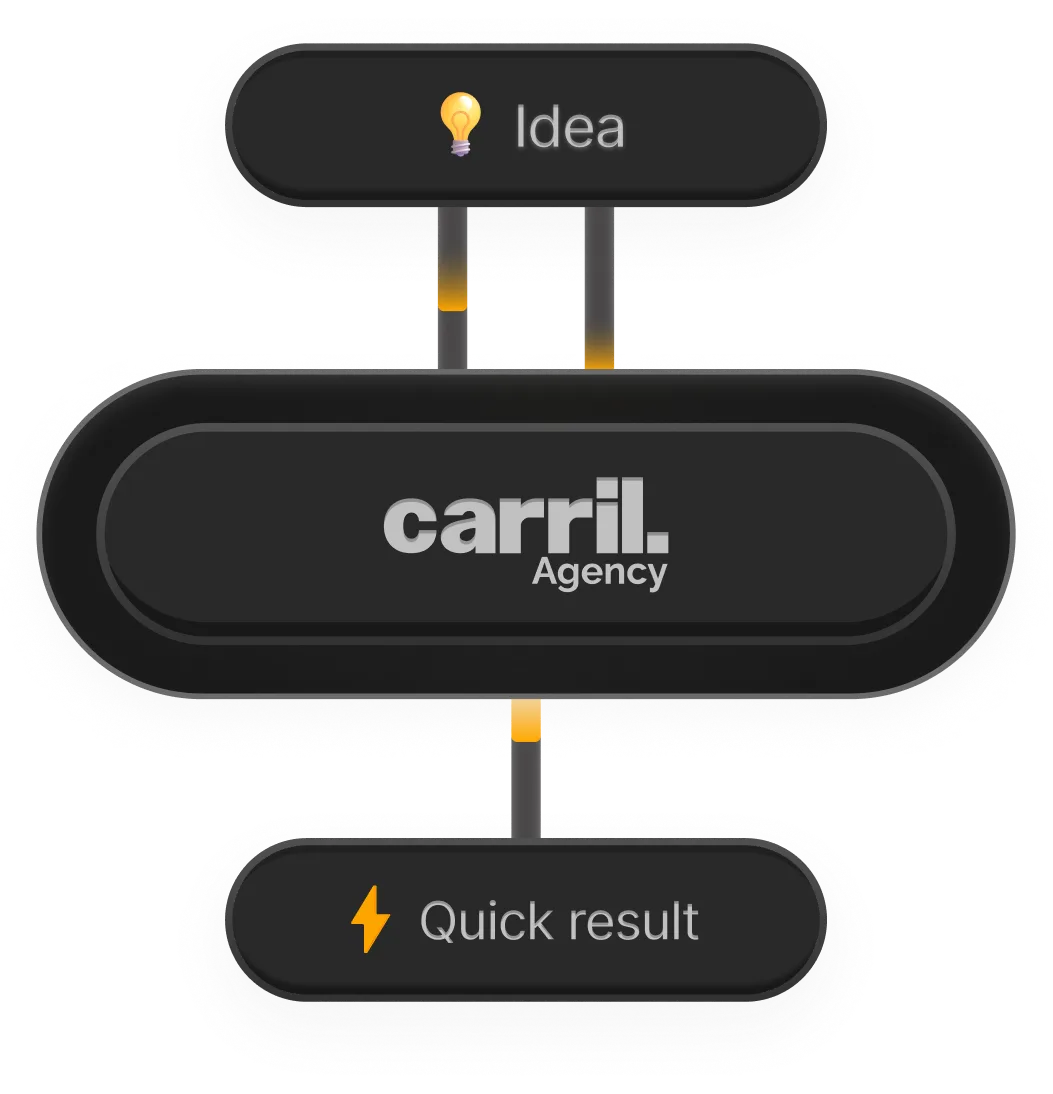
We turn your idea into a live, conversion-ready brand and website, fast. One team, full ownership, so it starts bringing in leads and sales from day one.
Start a Project
Our clients rate us 5 stars because the brands and websites we build do not just look good, they perform, attract the right visitors, and turn them into customers.
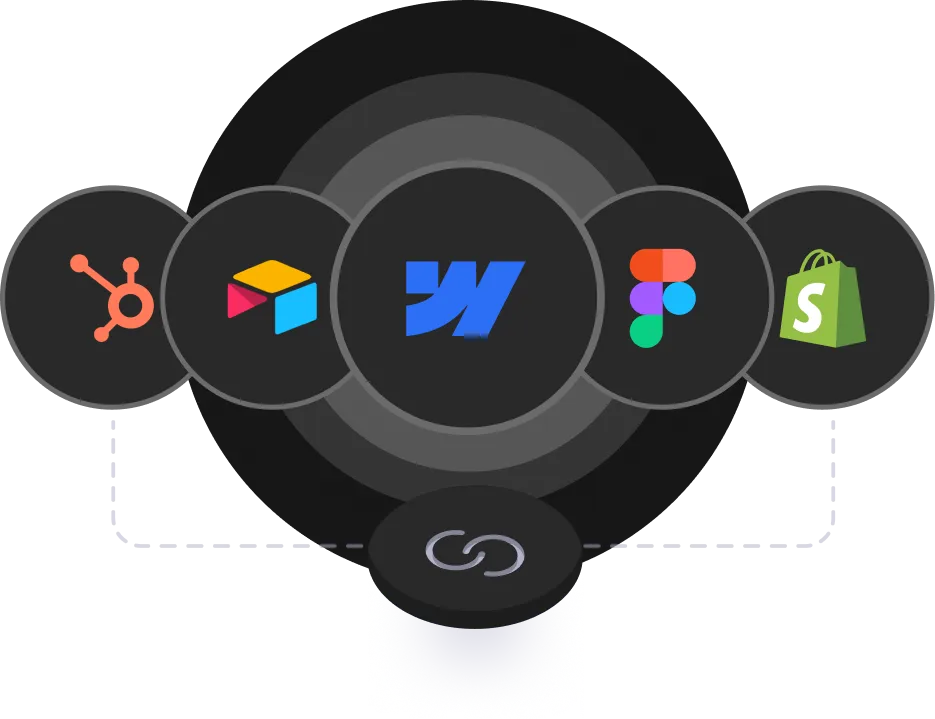
We connect the right tools, Webflow, Figma, HubSpot, Shopify, and more, into one system that grows with you and supports your next stage of growth.
Talk to an ExpertPixel-perfect. We match spacing, typography, colours, and layout exactly. If something in the Figma file does not translate well to the web, we will flag it before building.
Yes. We will build responsive breakpoints based on your desktop design and standard responsive patterns. If you want full control, providing tablet and mobile frames helps. But it is not required.
Absolutely. We structure collections, reference fields, and dynamic pages so your team can manage content independently after launch.
Most projects take 2–4 weeks depending on the number of pages and CMS complexity. Simple marketing sites can be faster.
Most conversions fall in the $3,000–$8,000 range depending on page count, CMS needs, and animation complexity. We will give you a clear estimate after reviewing your Figma file.
Answers are generated from this page and our public information. Confirm anything contractual with the team.
Working with a local team? See our Dubai-focused web design page.
We will map the scope, cost, and timeline with you.
Trusted by 150+ teams worldwide