Discovery

A focused call to learn your goals, audience, and scope.
Tag and tracking management without code changes.
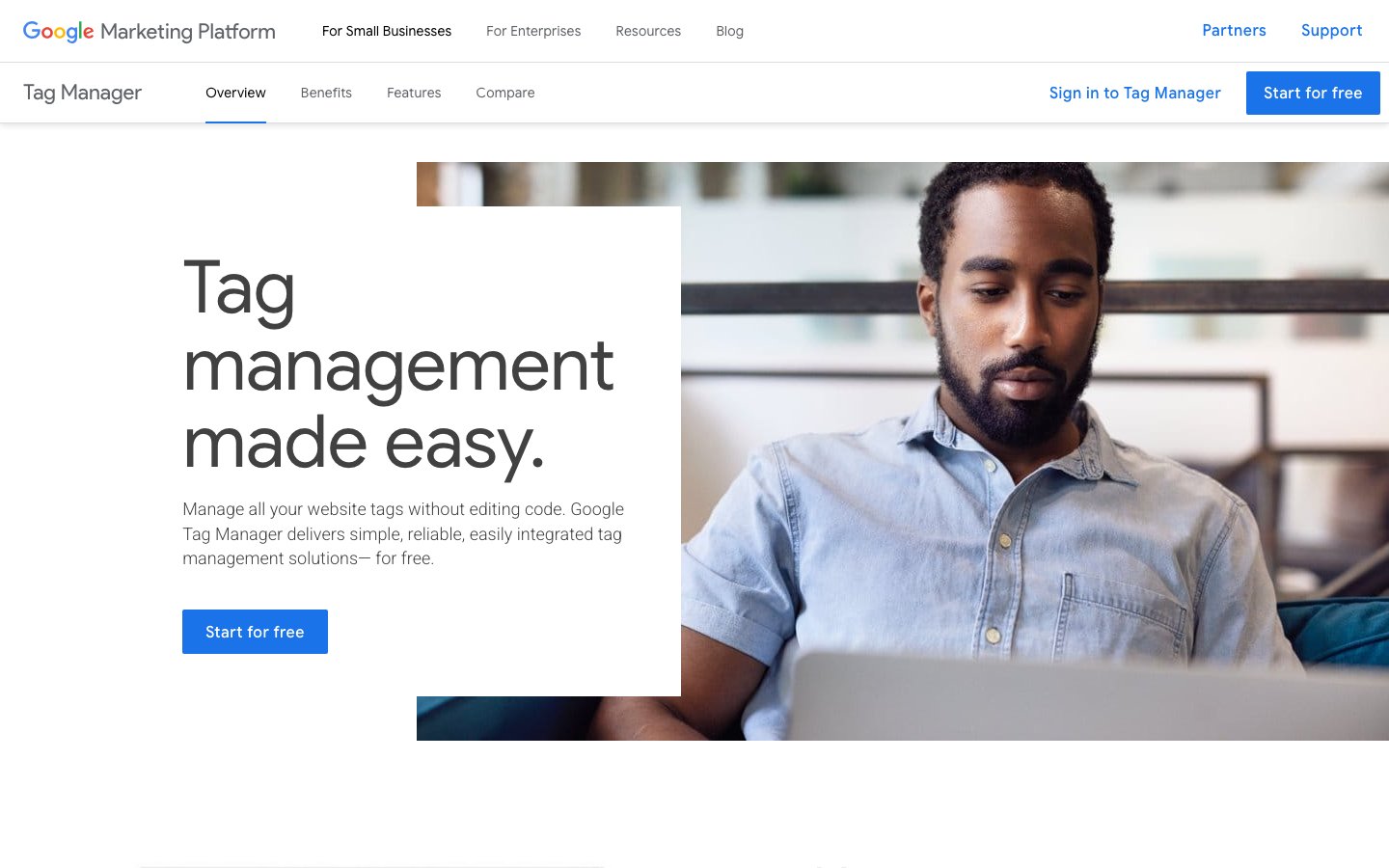
Google Tag Manager sits between every tracking script and the websites we manage. It lets us deploy or update tags (GA4 events, Meta Pixel, conversion tracking, consent banners) through a dashboard instead of editing code. The version control and preview mode make it safe to test changes before publishing, which matters when tags affect paid campaign measurement.
A focused call to learn your goals, audience, and scope.
We turn the call into a clear scope, milestones, and a timeline to bring your dream to life.
We deliver, then stay close. Refining what needs it, fixing what comes up.
 Joliza Concepcion Marketing Director, Arthrex
 Working with Carril Agency has been a seamless experience from start to finish. The team is incredibly easy to work with. That ease of collaboration is what makes them such a valuable partner.
We will map the scope, cost, and timeline with you.
Trusted by 150+ teams worldwide